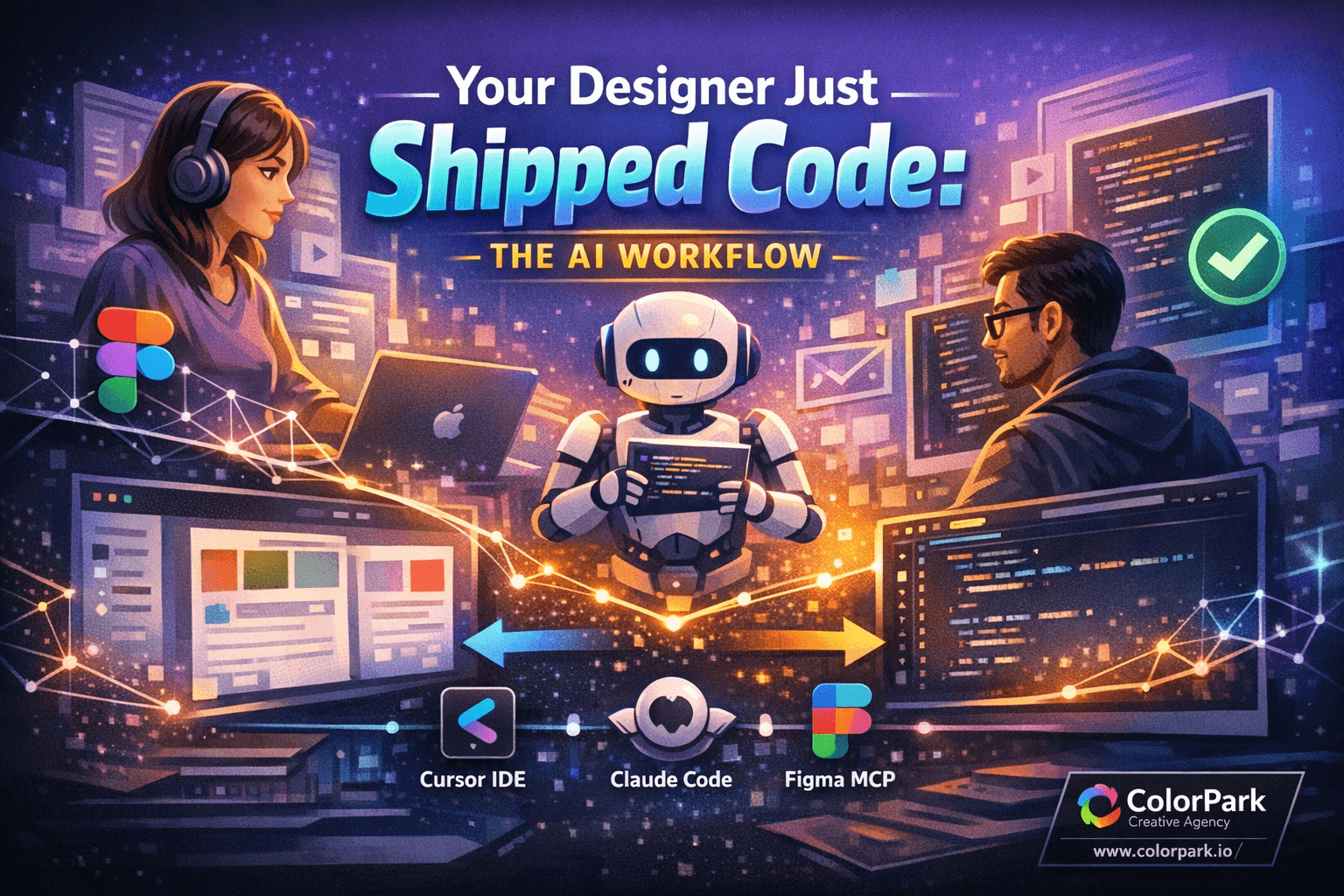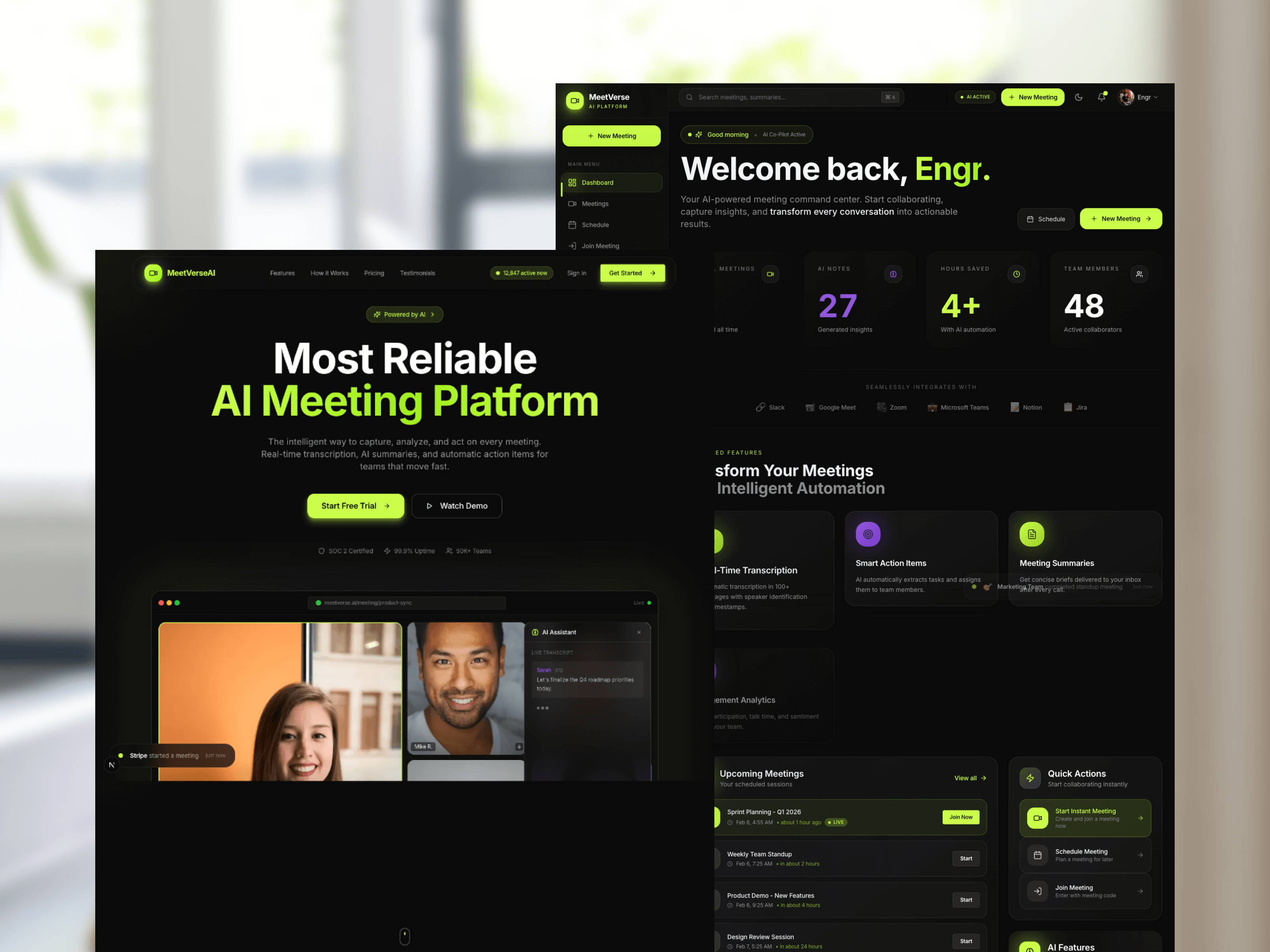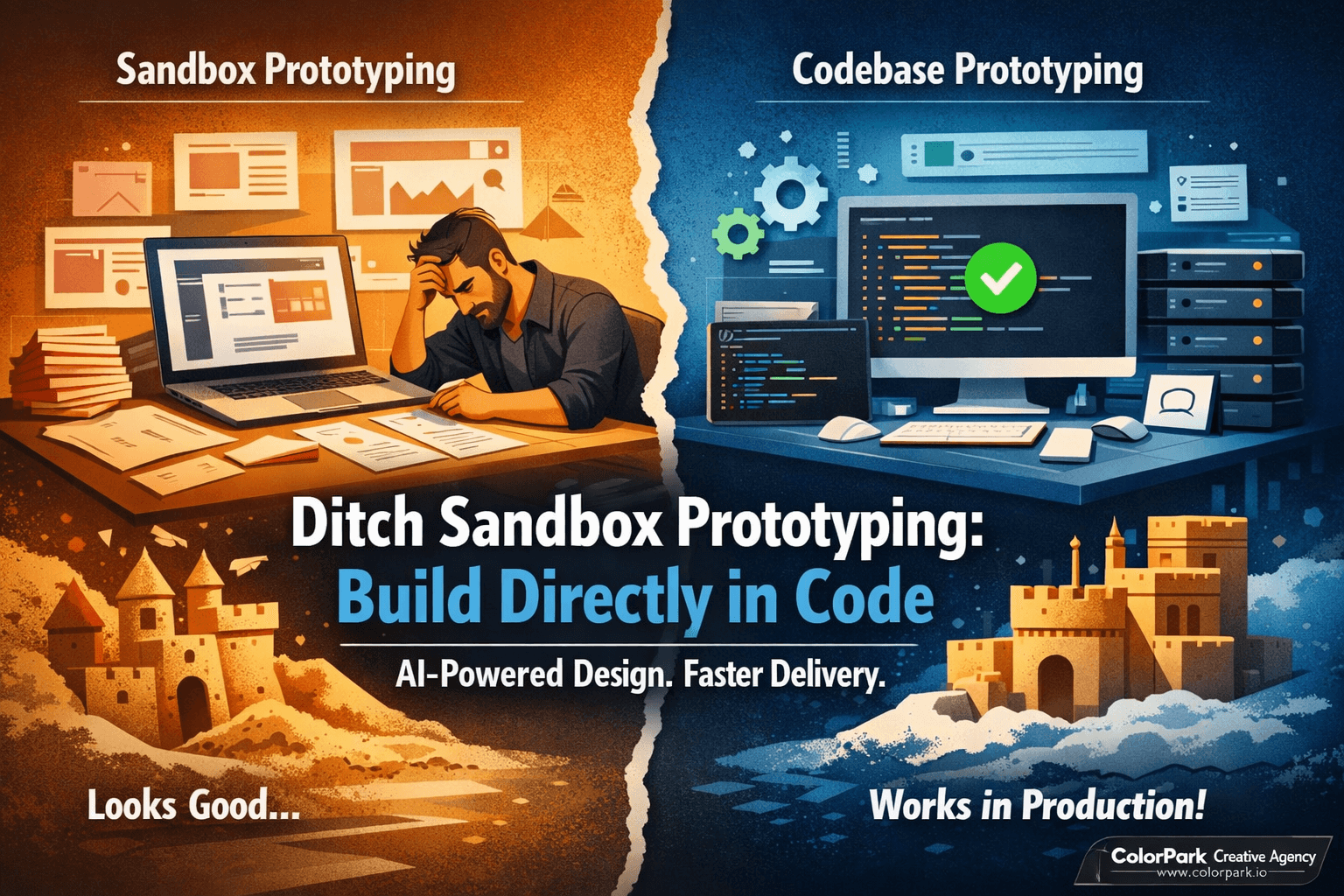
Your Sandbox Prototype Looks Great. Your Developers Will Rebuild It Anyway.
Picture the scene. Your design team just spent two weeks crafting a pixel-perfect prototype in Lovable. The stakeholders loved it. The client signed off. Everyone is buzzing with energy. Then you hand the prototype to your development team, and they stare at the screen for a long, quiet moment before saying five words that crush morale: "We can't use any of this."
That prototype — the one built in isolation, detached from the real codebase, layered on top of automated guesses and black-box AI decisions — has zero connection to the design system, the component library, or the architectural patterns your engineering team spent months perfecting. The developers will rebuild the entire thing from scratch. Every animation, every interaction, every layout decision — recreated, reinterpreted, and often lost in translation.
This is the sandbox trap. And creative teams fall into it every single day.
Sandbox prototyping tools like V0 and Lovable promised to democratize design-to-code workflows. They delivered speed. They delivered beautiful previews. But they also delivered a disconnect so deep that the final product often bears little resemblance to what was approved.
There is a better path. One where prototypes are born inside your actual codebase, respect your design system, and can go straight to production. That path runs through AI-assisted codebase prototyping, and it changes everything about how creative teams deliver real work.
The Sandbox Illusion: Why Beautiful Prototypes Break Teams Apart
Sandbox tools operate on a simple promise — describe what you want, and the AI builds it. No terminal commands. No file structures. No configuration. Just a clean interface and natural language. For validating a rough concept over lunch, that promise delivers. The problems start when teams treat sandbox output as production-ready work.
The core issue is isolation. Sandbox tools generate code inside their own enclosed environment. They pick their own component libraries. They make their own architectural decisions. They scaffold their own folder structures. None of these choices align with what your development team has already built, tested, and shipped.
When a designer prototypes a new dashboard layout in Lovable, the tool might use Radix UI primitives while your team standardized on Headless UI. It might generate inline styles while your codebase runs Tailwind with a custom configuration. It might create a flat component tree while your application uses nested layouts with shared state providers. The visual output looks right. The underlying code lives on a different planet.
Then the bugs arrive. You try to fix one interaction, and the AI changes something else. You describe the fix in plain language, and the tool interprets it differently than you intended. You enter a loop — fix, break, fix again, break something new — because the tool's decisions are opaque. You cannot trace what changed. You cannot understand why it broke. You can only keep describing your frustration in a chat window and hope the next response lands closer to correct.
This opacity is by design. Sandbox tools abstract away complexity to serve non-technical users. That abstraction works beautifully for throwaway experiments. It crumbles under the weight of real product requirements.
The human cost is rarely discussed. Designers lose confidence when their approved work gets discarded. Developers feel their existing systems are disrespected. Project timelines slip because what looked like a shortcut became a detour. The prototype that was supposed to accelerate the project becomes the reason it stalled.
The Codebase-First Alternative: Building Where It Counts
Codebase prototyping flips the model entirely. Instead of building in an isolated environment and hoping the result translates, you build directly inside the production repository. Every component you create inherits the team's design tokens. Every layout follows the existing routing patterns. Every interaction uses the state management approach your developers already understand.
The shift sounds intimidating — especially for creative professionals who have never opened a terminal. But here is the critical insight that changes the conversation: you do not need to know how to code to prototype in a codebase when AI handles the code for you.
Tools like Claude Code operate through natural language conversation, exactly like the chat interfaces in sandbox tools. The difference is where the AI builds. Instead of constructing code in a sealed playground, Claude Code reads your actual repository, understands your component library, maps your design system tokens, and generates code that fits inside your existing architecture like a puzzle piece clicking into place.
The terminal — that black screen with blinking text that intimidates many creatives — becomes nothing more than a chat window. You type what you want in plain language. The AI reads your codebase, asks clarifying questions, proposes an approach, and builds it. You see results in your browser, on your local development server, running the same code your team ships to production.
This is not a small distinction. This is the difference between building a model house out of cardboard and renovating a room inside the actual building. One looks great in photos. The other is immediately livable.
How AI-Powered Codebase Prototyping Actually Works
The workflow is more approachable than most designers expect. Here is what a real session looks like, broken into the phases that matter.
Phase One: Setting Up the Conversation
You open a minimalist terminal application — Ghostty works beautifully for this, providing a clean interface without distracting IDE panels. You connect to Claude Code, which loads your project's repository and begins understanding the codebase.
Before diving into a feature request, you set context. A single sentence like "I am the creative director for a SaaS product with an existing calendar feature" primes the AI to respond with appropriate depth and design sensitivity. This is not about tricking the AI. It is about telling it who is asking so responses match your level of expertise and decision-making authority.
You can even use voice dictation tools like Whisperflow to speak naturally instead of typing. The terminal becomes a creative conversation, not a technical exam.
Phase Two: Exploration and Architecture
When you describe the feature you want — say, a new one-time meeting scheduling modal that sits between two existing navigation elements — Claude Code does something sandbox tools never do. It investigates your codebase first.
The AI launches multiple exploration agents simultaneously. One maps your navigation component structure. Another catalogs your existing modal and dialog patterns. A third traces how meeting creation already works in your system. This research phase takes a few minutes, but it means every suggestion that follows is grounded in how your application actually works.
No sandbox tool performs this analysis because no sandbox tool has access to your real code. They guess. Claude Code reads.
Phase Three: Collaborative Planning Before a Single Line Ships
Here is where codebase prototyping reveals its true power for creative teams. After exploration, Claude Code enters plan mode — a structured thinking phase where it proposes an implementation approach and asks for your input before writing anything.
The AI might ask: "Should this button live in the global navigation or only on the events page?" or "After a meeting link is generated, should the user see a confirmation modal or navigate to a detail page?" These are design decisions. Product decisions. Creative decisions. The AI surfaces them explicitly, giving you control over the user experience before any code exists.
This interactive planning mirrors the best design-development collaboration sessions you have experienced — the kind where a thoughtful engineer asks the right questions and a designer provides the creative direction. Except this session happens in minutes, not days of scheduled meetings.
Claude Code then produces a detailed implementation plan: which files will change, which new components will be created, how the UI will behave, and how it connects to existing patterns. You review it. You approve it. You stay in creative control.
Phase Four: Building, Testing, and Iterating in the Real Environment
With the plan approved, Claude Code generates the implementation step by step. You watch your local development server reflect changes in real time. The button appears in the navigation. The modal opens on click. The date picker renders using your existing calendar component, not some random library the AI decided to import.
Bugs happen — they always do. A date picker might not respond correctly on first attempt. A modal overlay might not dismiss as expected. The difference is transparency. When something breaks in your codebase, you can ask the AI what changed and get a precise answer referencing specific files and components. You can even ask it to explain why the approach was chosen. Every decision is traceable.
Compare this to a sandbox tool where "fix the date picker" might trigger a cascade of unrelated changes because the AI rewrote half the prototype's scaffold to accommodate the fix. In your codebase, the fix touches one component. The blast radius is contained. Your debugging loop is tight and productive.
What Creative Teams Actually Gain From This Shift
The benefits are not abstract. They show up in the daily rhythm of creative work in concrete, measurable ways.
Design system fidelity stays intact. Every prototype inherits your brand's typography scale, color tokens, spacing units, and component variants. A button in your prototype is not a button-shaped rectangle — it is the same Button component your production app renders, with the same hover states, accessibility attributes, and responsive behavior.
Developer handoff disappears. There is no handoff because there is nothing to hand off. The prototype is the implementation. Developers review and refine rather than rebuild. Pull requests replace Figma-to-code translation documents. The gap between "what design approved" and "what engineering shipped" shrinks to nearly zero.
Iteration speed compounds. Each prototype iteration builds on the last, accumulating real progress. In a sandbox, each iteration rebuilds from an unstable foundation. In your codebase, each iteration adds to a stable one. After three rounds of feedback, a codebase prototype is three iterations closer to production. A sandbox prototype is three loops deeper into technical debt you will eventually discard.
Stakeholder demos run on real code. When you show a prototype to a client or executive, it runs on your actual development server. The performance characteristics are real. The data flow is real. The responsive behavior is real. There are no "this will work differently in production" disclaimers because the prototype is already in production's codebase.
Creative professionals gain technical intuition. Working inside the codebase — even through a chat interface — exposes designers to how their decisions translate into architecture. You start understanding why certain layouts are expensive, why some animations require different approaches, and why component composition matters. This knowledge makes every future design decision more informed without requiring you to write a single line of code yourself.
Knowing When to Stay in the Sandbox
Codebase prototyping is not a universal replacement. Sandbox tools still earn their place in specific scenarios, and pretending otherwise would be dishonest.
Use sandbox tools when you need to validate a concept in under thirty minutes and fully intend to throw the result away. Early-stage ideation, where the goal is exploring ten wildly different directions before committing to one, benefits from the speed and disposability of sandboxes. If you are brainstorming a landing page concept for a pitch deck, not building the actual page, a sandbox delivers exactly the right fidelity.
Use sandbox tools when you genuinely do not have access to the codebase yet. Pre-contract explorations, freelance pitches, or design exercises for products that do not exist yet cannot leverage codebase prototyping because there is no codebase to prototype within.
Transition to codebase prototyping when any of these signals appear. You are stuck in a fix-break-fix loop that consumes hours without progress. Your developers tell you the prototype is unusable. Stakeholders approve designs that never survive implementation. You spend more time explaining what the prototype should have been than building what it actually is.
The transition requires minimal setup. Download a terminal application, connect to Claude Code, and point it at your team's repository. If a designer can learn Figma, a designer can learn this. The learning curve is gentler than most expect, and the AI itself helps explain any unfamiliar concepts along the way.
The Future Belongs to Teams That Prototype Where They Ship
The creative industry is moving toward a world where the boundary between prototype and product dissolves entirely. Tools that keep these worlds separate — sandbox here, production there — create friction that slows teams down and erodes the quality of final output.
AI-powered codebase prototyping is not about replacing designers with engineers or asking creative professionals to become developers. It is about giving creative teams a direct line into the codebase, mediated by an AI that speaks their language and respects their expertise. It is about making "what you see is what ships" a reality instead of a marketing promise.
The prototype that launches is the same one that was designed. The vision that was approved is the vision that reaches users. No translation. No rebuild. No "we had to compromise because the code couldn't support it."
That is not just a workflow improvement. That is a creative revolution — and the teams that adopt it first will define what exceptional digital product design looks like for the next decade.
Start with one feature. Pick something your team was about to prototype in a sandbox. Build it in the codebase instead. See what changes. We think you will never go back.
🎨 Let's Create Something Bold
Ready to transform your brand's visual identity? ColorPark crafts designs that convert.
- 🚀 Start Your Project: colorpark.io/contact
- 📧 Email: hello@colorpark.io
- 📞 Phone: +880 1723-741224
- 🌐 View Portfolio: colorpark.io/projects
Part of the Mejba Ahmed brand family: mejba.me • ramlit.com • xcybersecurity.io