BRAND: colorpark.io TITLE: AI Design Tools Reshaping UI Creation in 2026 SLUG: ai-design-tools-ui-creation TAGS: UI/UX Design, AI Design Tools, Creative Technology, Google Stitch, Design Guide META DESCRIPTION: Discover how Google Stitch and Vercel's agent browser are transforming UI design workflows with AI-powered automation and smarter testing.
AI Design Tools Reshaping UI Creation in 2026
Design teams everywhere face the same frustrating reality. Hours spent translating wireframes into code. Days lost debugging responsive layouts. Weeks burned on browser testing that could have been automated. The gap between creative vision and shipped product feels wider than ever—until now.
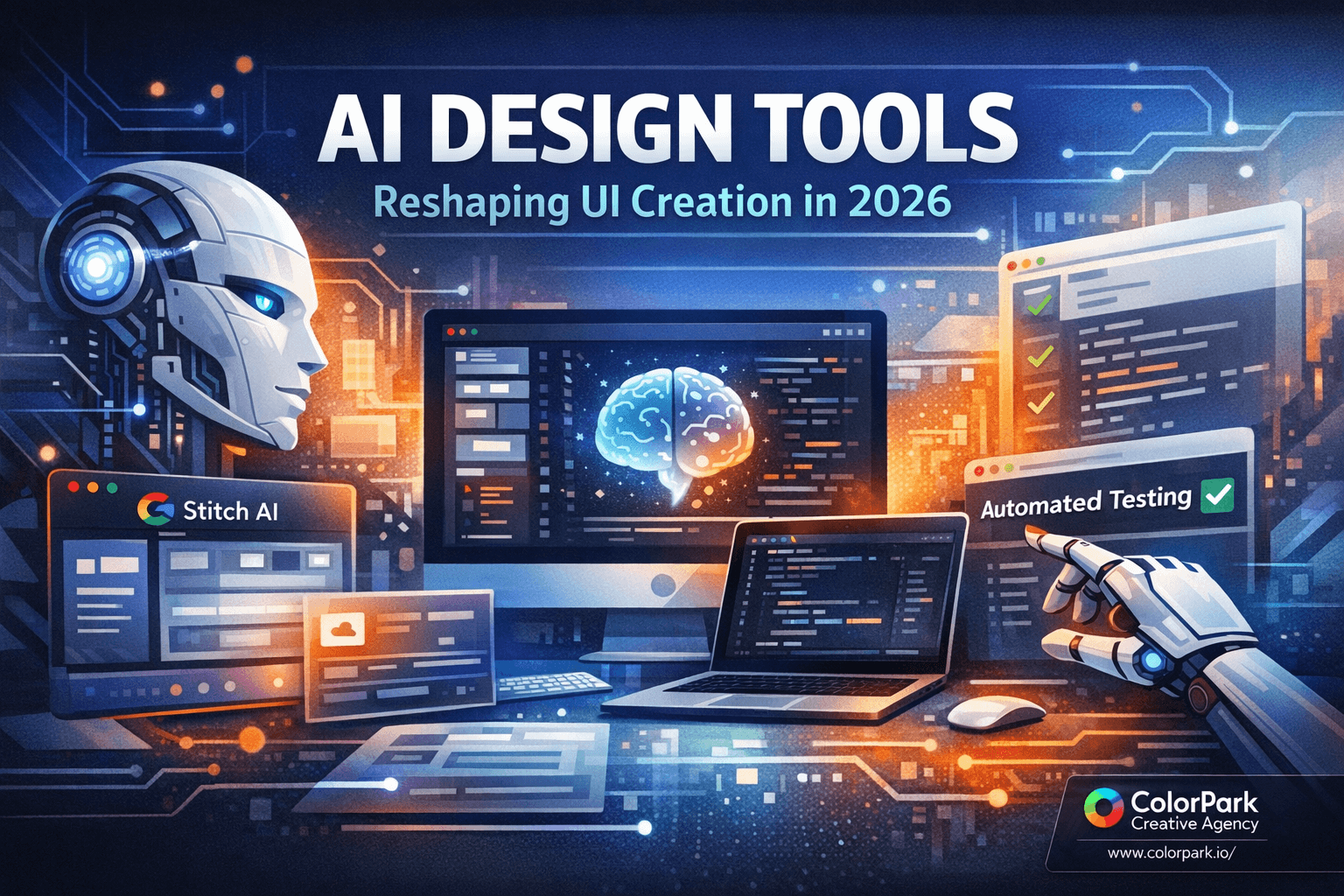
The AI design tool landscape just shifted dramatically. Google's Stitch AI design tool now operates as a Modular Control Point (MCP), meaning AI agents can directly manage projects and generate UI designs from text prompts. Vercel's agent browser runs CLI-based automation that outpaces traditional testing tools by reading accessibility trees instead of processing screenshots. Together, these tools represent a fundamental change in how design becomes reality.
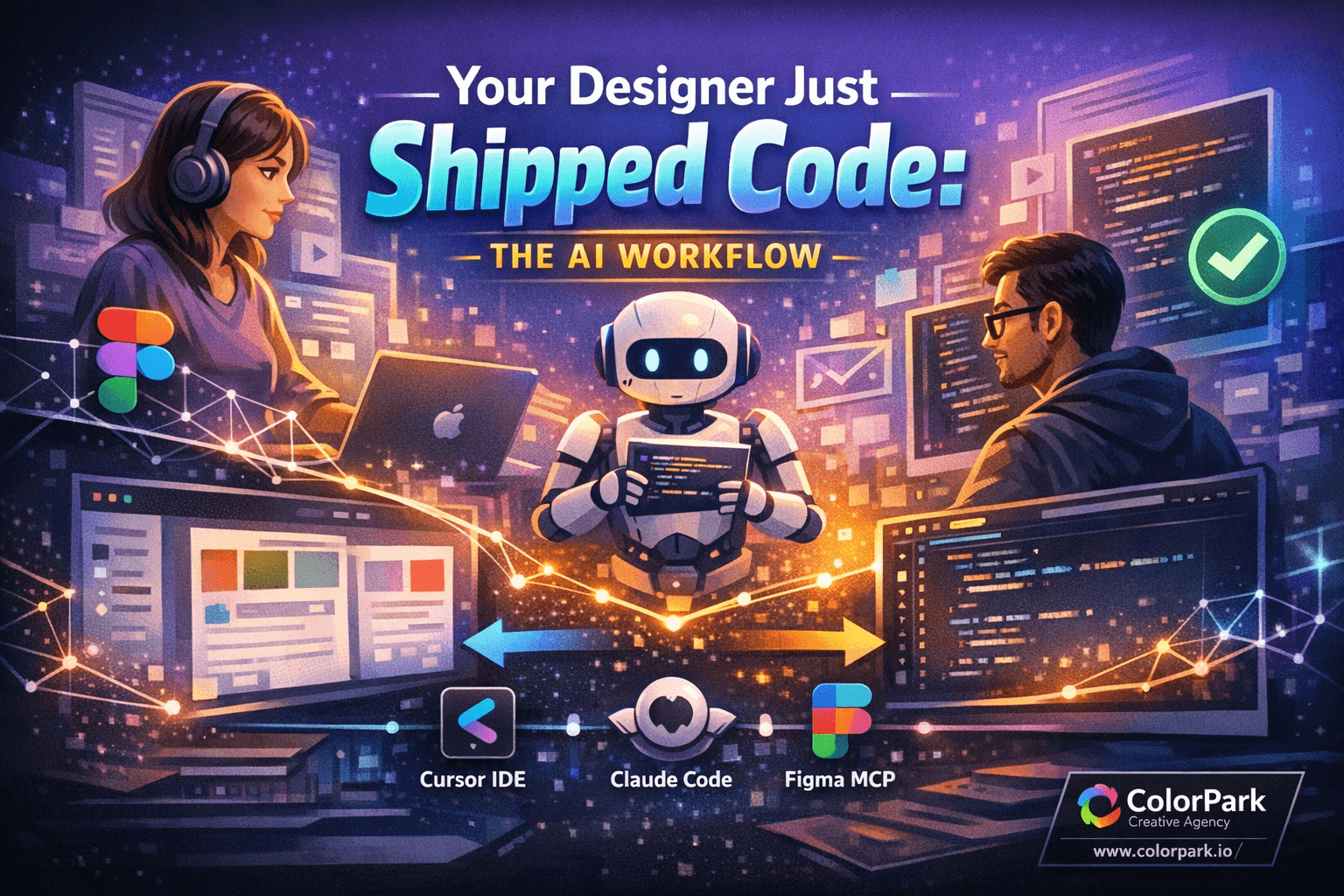
This shift matters because successful design workflows no longer rely on a single miracle tool. The teams shipping the best work combine multiple AI systems, each handling what it does best. Stitch generates responsive layouts with polished hover effects. Claude Code plans and refines design systems iteratively. Vercel's agent browser validates everything works before users ever touch it.
Here's how to build a workflow that leverages all three—and why choosing the right tool for each task beats searching for one tool that does everything.
The Old Way Broke Down Long Ago
Design handoffs have always been messy. A designer creates beautiful mockups in Figma. A developer interprets those mockups, makes assumptions about spacing, guesses at interaction patterns, rebuilds everything in React or Vue. The result rarely matches the original vision. Edge cases appear. Responsive breakpoints behave unexpectedly. The designer sighs, files tickets, the cycle repeats.
Traditional browser testing compounds the problem. Teams install Puppeteer or Playwright, write extensive test suites, watch tests fail because a button moved three pixels. Screenshot-based testing captures visual state but struggles with dynamic content. Every failed test requires manual investigation. Testing becomes a bottleneck rather than a safety net.
The fundamental issue: too many translation layers between vision and shipped product. Each layer introduces drift. Each handoff loses fidelity. By the time code reaches production, the original design intent exists only in memory.
AI tools don't eliminate these challenges through magic. They eliminate them by reducing translation layers. When an AI generates code directly from design prompts, there's no handoff to misinterpret. When an AI tests interfaces through accessibility trees, there's no screenshot to misread. Fewer layers means less drift.
But the key insight from teams using these tools effectively: no single AI handles every step well. The breakthrough comes from orchestration—knowing which tool to deploy at each stage.
Google Stitch: Design Generation That Actually Works
Stitch started as an interesting experiment. It's become genuinely useful. The MCP integration changes everything about how teams can incorporate it into existing workflows.
What MCP means practically: AI agents like Claude Code can now create Stitch projects, retrieve screens, and generate UI designs without human intervention. The automation handles project setup, screen management, and design generation. A text prompt describing your desired interface becomes actual code with hover effects and responsive behavior.
Setting up Stitch MCP requires Google Cloud SDK installation and enabling the Stitch API within a Google Cloud project. This process involves several configuration steps that can be streamlined with installation scripts. Once connected, the workflow becomes remarkably smooth.
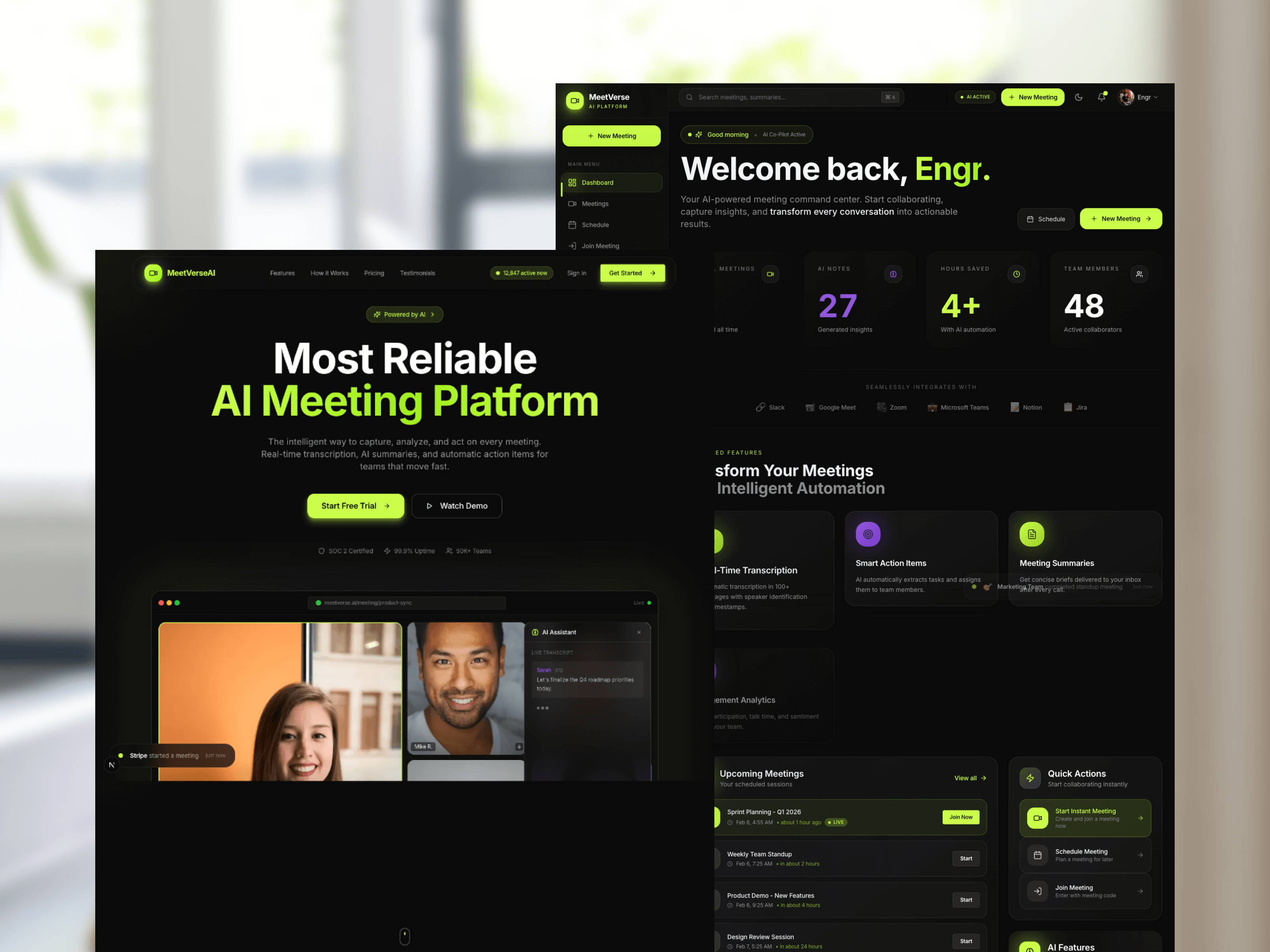
Consider building a technical interview preparation app. The prompt might specify a developer-oriented aesthetic—think terminal commands, code comments, monospace typography. Stitch generates layouts that adapt across desktop and mobile platforms without additional prompting. The hover effects feel natural. Animations provide feedback without overwhelming users.
The generated code isn't perfect. It arrives as a single file dump that benefits from refactoring into modular components. Some UX decisions need human judgment—where should the code editor panel go? Should questions appear inline or in a sidebar? But the foundation exists, and iterating from a working prototype beats building from scratch.
One critical lesson from teams using Stitch: request single, continuous page designs rather than segmented components. When Stitch generates separate sections of a landing page, integrating them into a cohesive web app creates unnecessary friction. A unified design prompt produces code that flows naturally.
Planning Before Generating: The Claude Code Strategy
Raw tool power means nothing without strategy. The teams shipping the best AI-assisted designs don't start with generation—they start with planning.
Claude Code's plan mode enables iterative development of detailed design plans and UI guides. This isn't about writing prompts and hoping for the best. It's about refining specifications until the AI understands exactly what you need.
A typical planning session might involve multiple rounds of refinement. The first iteration produces a basic structure. Subsequent iterations add specificity: exact spacing values, color token definitions, component hierarchy, interaction states. By the time the plan reaches finalization, it serves as a comprehensive blueprint.
This planning phase matters because AI design tools are powerful but not psychic. A vague prompt produces generic output. A detailed specification produces targeted results. Time invested in planning pays dividends in reduced iteration cycles later.
After finalizing the plan, Claude Code can use the Stitch MCP to create UI screens based on those specifications. The generated designs reflect the planning work—consistent spacing, intentional typography, coherent interaction patterns.
The workflow looks like this:
- Define the core purpose and audience in plan mode
- Specify visual language—colors, typography, spacing system
- Outline component hierarchy and relationships
- Detail interaction states and animations
- Finalize the plan document
- Pass specifications to Stitch MCP for generation
- Review and iterate on generated output
This approach treats AI tools as skilled contractors rather than autonomous designers. You provide the vision and specifications. They handle execution. The division of labor plays to each party's strengths.
Implementation: From Generated Code to Production
Stitch generates code. Now what?
The typical path involves fetching generated code and integrating it into a Next.js project (or your framework of choice). Initial output appears in a single file—functional but not maintainable. Production-quality code requires structure.
Refactoring generated code into modular components follows familiar patterns. Extract reusable elements into separate files. Create a component library for buttons, cards, inputs. Establish a styles directory for shared design tokens. The generated code provides the visual implementation; you provide the architecture.
Common issues appear during this phase. An editable code panel might not actually accept input. Question placement might prioritize visual balance over usability. Interactive elements might lack proper focus states. These aren't AI failures—they're the natural result of generating from visual specifications without user testing.
The solution: treat generated code as a first draft, not final output. Human judgment identifies usability gaps. Human expertise determines the right fixes. The AI accelerates the path to a testable prototype; humans ensure that prototype actually works for real users.
Code organization that works well with AI-generated components:
src/
  components/
    ui/
      Button.tsx
      Card.tsx
      Input.tsx
    layout/
      Header.tsx
      Footer.tsx
      Sidebar.tsx
    features/
      CodeEditor.tsx
      QuestionPanel.tsx
  styles/
    tokens.css
    components.css
  pages/
    index.tsx
This structure separates concerns cleanly. UI primitives live in one place. Layout components in another. Feature-specific components maintain their own space. When Stitch generates updates, you know exactly where new code belongs.
Vercel Agent Browser: Testing That Keeps Pace
Beautiful designs mean nothing if they break in production. Testing catches problems before users do—but traditional testing tools create their own problems.
Vercel's agent browser takes a fundamentally different approach. Built with Rust and Node.js, optimized for Chromium browsers, it reads accessibility tree snapshots instead of capturing screenshots. This difference matters more than it might seem.
Accessibility trees describe UI structure through tagged selectors. The browser navigates using this structural information rather than pixel coordinates. A button labeled "Submit" is identifiable regardless of its position, size, or surrounding elements. This structural approach handles UI changes gracefully—moving a button doesn't break tests that find it by label.
Traditional tools like Puppeteer process screenshots and map pixels to elements. This works but creates fragility. Minor visual changes trigger test failures even when functionality remains correct. Teams waste time updating tests after purely cosmetic changes.
The agent browser runs in a separate browser session without sharing cookies or active sessions. This limits some interaction types but enhances reliability. Tests execute consistently because they start from a clean state every time.
Practical capabilities include:
- UI navigation through accessibility selectors
- Mouse and keyboard simulation
- Cookie and storage management
- Network monitoring
- Headed mode for visual verification
The performance difference is substantial. A full application test that might take 15-20 minutes with screenshot-based tools completes in 4 minutes with accessibility tree navigation. Faster feedback loops mean more testing, which means higher confidence in shipped code.
Running in headed mode enables visual verification during development. You watch the automated browser navigate your application, clicking buttons and filling forms exactly as a user would. When something fails, you see exactly what happened. Debugging shifts from log analysis to direct observation.
Integrating Testing Into Design Workflows
Testing isn't a phase that happens after design—it's part of design. The agent browser enables testing patterns that inform design decisions throughout the process.
Early prototype testing catches usability issues before they become expensive to fix. Generate a Stitch design, integrate it into your development environment, run agent browser tests against core user flows. If the automated browser can't complete a task, real users probably can't either.
Specific testing patterns that work well:
Editability verification: The agent browser simulates typing into form fields and code editors. If an element appears editable but doesn't accept input, the test fails. This catches implementation gaps that visual review might miss.
Navigation flow testing: Define the expected path through your application. The browser follows that path, clicking links and buttons, verifying each step renders correctly. Broken navigation appears immediately.
Responsive behavior validation: Run the same tests at multiple viewport sizes. The accessibility tree adapts to layout changes, so tests work regardless of how responsive breakpoints rearrange elements.
State management testing: Navigate to specific application states, verify data persistence, confirm that user actions produce expected results. The browser checks what's actually happening, not just what appears visually.
Integrating these tests into development creates a feedback loop that improves design quality. Designs that test poorly get revised before reaching production. Patterns that work well become templates for future components. Over time, the team develops intuition for what designs will perform well—even before testing confirms it.
Orchestrating Multiple AI Tools
The real power emerges when tools work together. No single AI handles every design task optimally. Orchestration—choosing the right tool for each task—produces results that no individual tool could achieve alone.
A complete workflow might look like this:
Phase 1: Planning (Claude Code)
- Define project requirements and constraints
- Develop visual language specifications
- Create component hierarchy
- Document interaction patterns
- Produce detailed design plan
Phase 2: Generation (Stitch MCP)
- Generate UI screens from specifications
- Create responsive layouts automatically
- Produce hover effects and animations
- Export implementation-ready code
Phase 3: Integration (Manual + Claude Code)
- Refactor generated code into modular structure
- Establish component library architecture
- Connect to application logic
- Implement data flows
Phase 4: Testing (Vercel Agent Browser)
- Verify all interactions work correctly
- Test responsive behavior at key breakpoints
- Validate accessibility compliance
- Confirm state management functions
Phase 5: Iteration (All Tools)
- Identify issues from testing
- Return to planning or generation as needed
- Refine until quality standards are met
- Deploy with confidence
This isn't a linear process. Teams jump between phases as needed. A testing failure might require returning to generation with refined prompts. A planning oversight might surface during integration. The workflow accommodates iteration because iteration is how good design happens.
The key insight: each phase uses the tool best suited for that specific task. Claude Code excels at planning and reasoning. Stitch excels at visual generation. The agent browser excels at validation. Using each tool for its strengths produces better results than forcing any single tool to handle everything.
What These Tools Mean for Design Teams
The immediate impact is speed. Workflows that took weeks compress into days. Iteration cycles that required entire sprints happen in hours. The gap between concept and testable prototype shrinks dramatically.
But the deeper impact involves what design teams can attempt. When production costs decrease, experimentation becomes viable. Teams can explore multiple design directions without committing to one prematurely. A/B testing becomes practical because creating variants costs little. Design quality improves because more options get evaluated.
The human role shifts but doesn't disappear. AI tools handle execution—generating layouts, writing code, running tests. Humans handle judgment—deciding what to build, evaluating quality, identifying problems that automated tools miss. This division amplifies what humans do well while automating what computers do well.
Skills that matter more than ever:
Design system thinking: AI tools produce components. Humans must ensure those components form coherent systems. Understanding hierarchy, relationships, and patterns becomes essential.
Prompt engineering for design: Getting good output from AI tools requires good input. The ability to specify design requirements precisely—in language AI systems understand—determines output quality.
Quality judgment: AI tools don't have taste. They generate options; humans evaluate them. Knowing what works, what doesn't, and why remains a distinctly human capability.
Orchestration ability: Choosing the right tool for each task, managing handoffs between tools, maintaining coherence across AI-generated outputs—this coordination role defines modern design leadership.
Teams that develop these skills will ship better work faster. Teams that expect AI to replace design judgment will struggle with mediocre output and constant correction cycles.
The Practical Path Forward
Starting with these tools doesn't require rebuilding your entire workflow. Begin with a single project. Pick something with moderate complexity—enough to test the tools' capabilities, not so much that failure would be catastrophic.
Set up Stitch MCP first. The configuration takes time but unlocks significant capability. Once connected, experiment with generation prompts. Learn what produces good output and what creates extra work.
Integrate Claude Code's plan mode next. Before generating anything with Stitch, develop a complete plan. Compare output quality between planned and unplanned generation. The difference is usually substantial.
Add agent browser testing after you have generated code to test. Start with simple navigation tests. Expand to interaction verification. Build testing habits before you need them for critical features.
Iterate on the integration between tools. Discover what handoff formats work best. Develop templates for common patterns. Build institutional knowledge about what works for your team's specific needs.
Document what you learn. These tools evolve rapidly. Today's best practices might not apply in six months. But the underlying principles—orchestration over single-tool reliance, planning before generation, testing throughout—will remain relevant.
Where This Goes Next
The current moment represents early days. Today's tools will seem primitive in a year. But the patterns emerging now—AI handling execution while humans handle judgment, multiple specialized tools orchestrated together, testing integrated throughout design rather than appended at the end—these patterns will define design work for years to come.
Teams building expertise with current tools will adapt more easily as tools improve. The investment isn't in mastering specific products; it's in developing workflows that leverage AI capabilities effectively.
Design has always been about making things that work for people. These tools don't change that goal. They change how we reach it. Faster iteration, more experimentation, higher quality output—these are means to the same end. The teams that remember this will use AI tools to create work that matters. The teams that forget will create impressive demos that nobody uses.
The choice, as always, belongs to the designers.
🎨 Let's Create Something Bold
Ready to transform your brand's visual identity? ColorPark crafts designs that convert.
- 🚀 Start Your Project: colorpark.io/contact
- 📧 Email: hello@colorpark.io
- 📞 Phone: +880 1723-741224
- 🌐 View Portfolio: colorpark.io/projects
Part of the Mejba Ahmed brand family: mejba.me • ramlit.com • xcybersecurity.io